Automatic Discounts Pro supports multiple discounts in the cart. This allows your shoppers to receive multiple, independent discounts without the complication of stacking discount codes.
This can be turned on under Settings > Discount Calculations and is disabled by default.
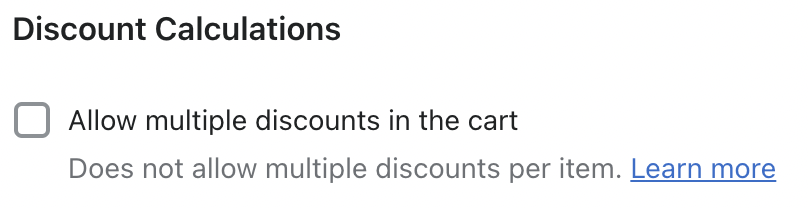
Enabling this setting will not allow multiple discounts per item. Each line item in the cart will be limited to the highest priority discount it qualifies for. This prevents unwanted, deep discounts while allowing more items to receive the correct discount.
This also means that Cart Total discounts work a bit differently. If any line item qualifies for a Quantity or Amount Spent discount that is a higher priority than a Cart Total discount, the Cart Total discount will not be applied. However, any lower priority Quantity or Amount Spent discounts will be applied.
For example, if the following discounts are active, in this priority order:
- Buy 2 shirts and get $1 off each (Quantity)
- Reach $100 cart total and get $10 off (Cart Total)
- Spend $50 on shoes and get $5 off (Amount Spent)
A cart that has 2 shirts and $75 in shoes will receive discounts #1 and #3, but not #2. If the cart contained only $75 of shoes they would receive only discount #2.